Everything your church screen needs. In one simple app.
Songs, Bible scripture, PowerPoints, announcements, timers and live translation, run from one clean dashboard, shown full screen on your projector. Say a verse and it opens. Free for every church.
Built for Sunday morning, not for technicians
Volunteers learn it in minutes. Every screen is designed so the next action is obvious, even mid-service.
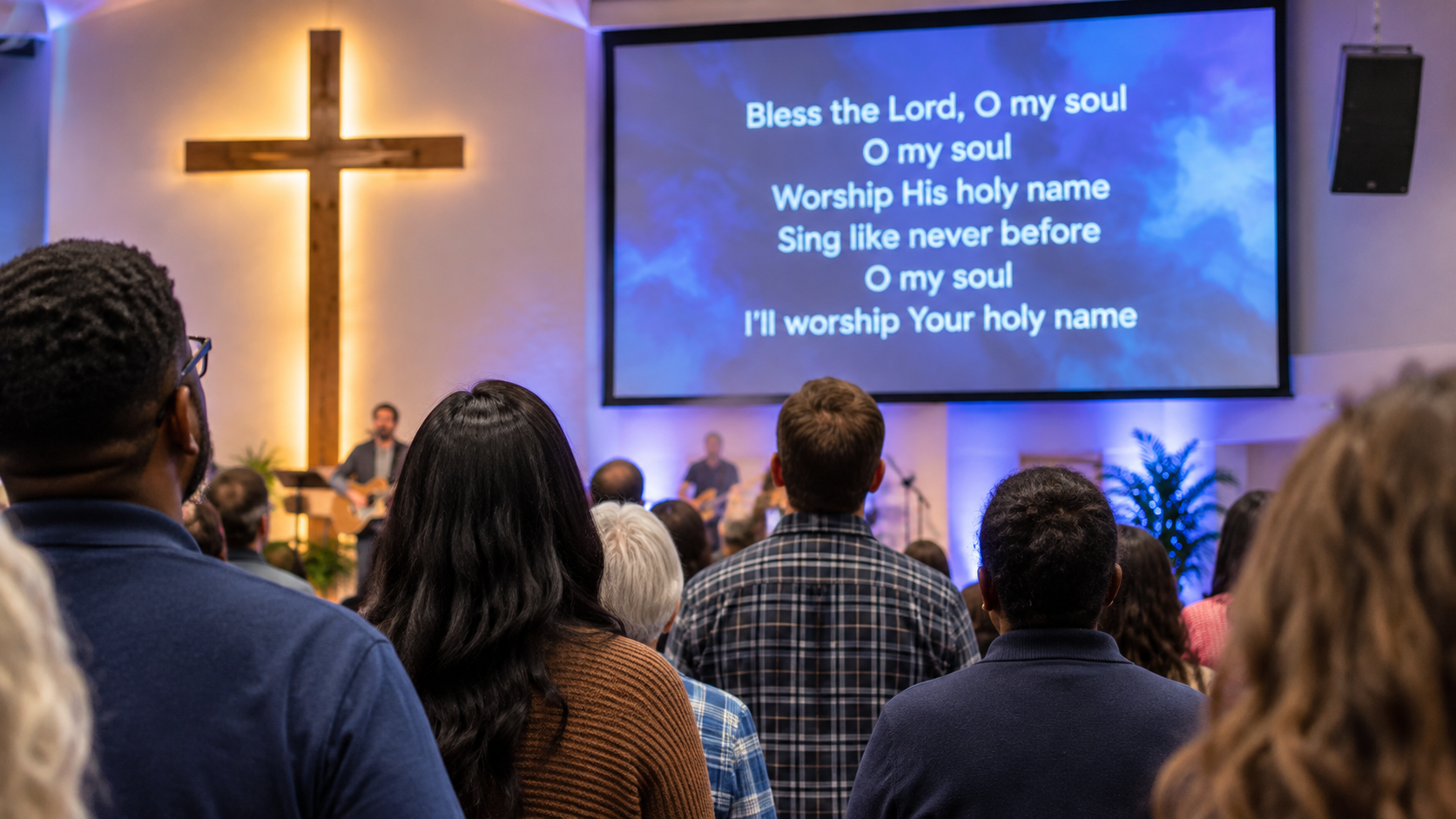
Find the song. Click the slide. It's on screen.
Search your library by title or lyrics, or just say it into the mic. Every verse becomes a slide, ready to click or step through with the arrow keys or a clicker.
- Your own library plus a shared public song library
- Show by verse or one line at a time
- Add and edit songs with a live slide preview: leave a blank line between verses, done
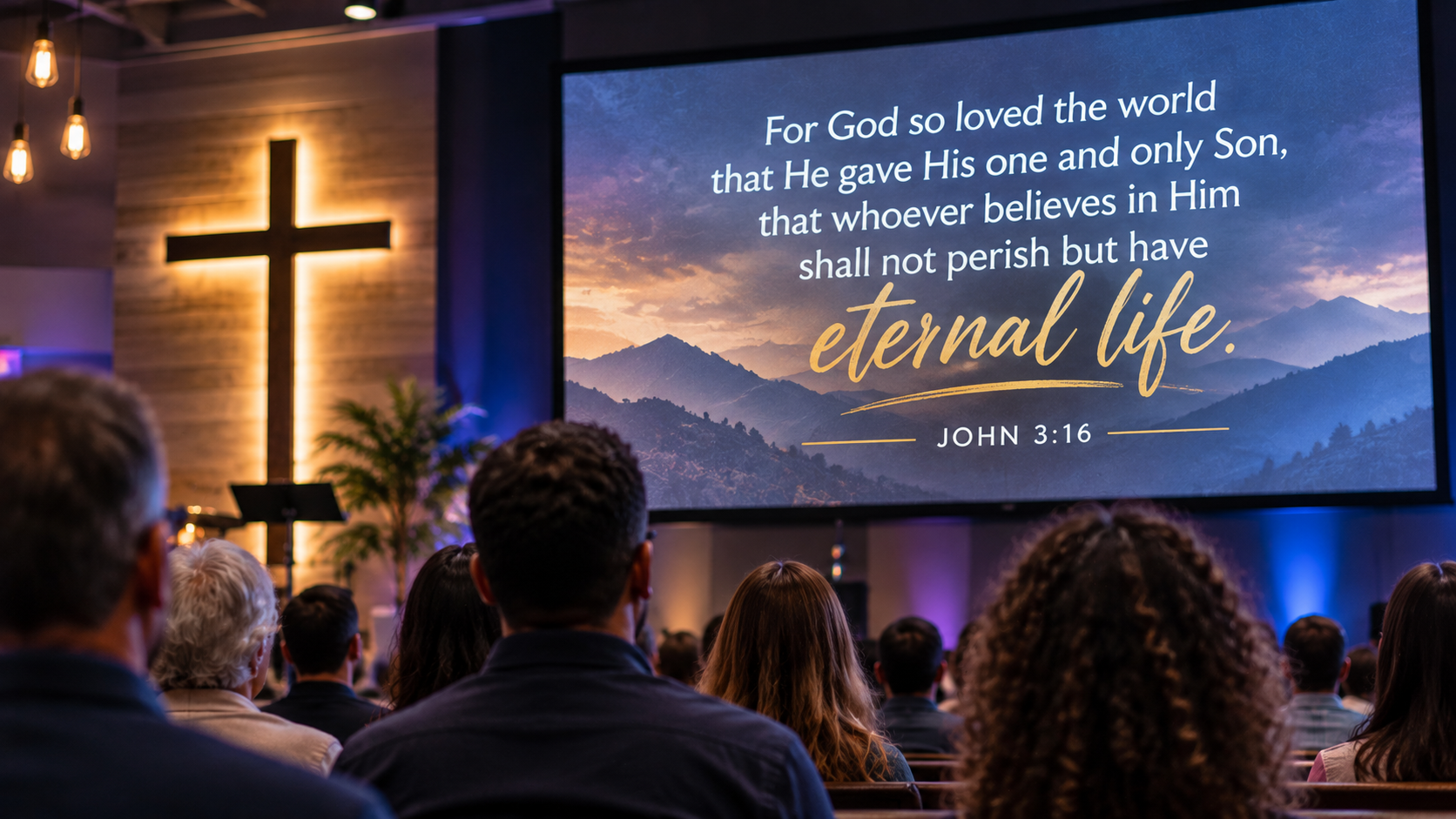
Say the verse. It opens.
Turn on the microphone once and it keeps listening through the sermon. When the preacher says “Romans eight twenty-eight” or “first Corinthians thirteen”, the passage is already open. You just click the verse to show it.
- Type Book · Chapter : Verse with smart book suggestions
- KJV, NIV, NLT and NLV: switch with one click
- You stay in control: nothing goes on screen until you click
See exactly what the congregation sees.
The live preview mirrors your projector at all times. One click opens the display straight onto your second screen, full screen. Click again to close it.
- Clear text, pause the presentation, or toggle the announcement in one tap
- “On screen now” shows the current words at a glance
- Works with any projector or TV set up as an extended display
Preach in one language. Show it in another.
Worship Light listens to the speaker and puts the translation on screen, sentence by sentence, so visitors and international members can follow every word.
- English, French, Spanish, Portuguese, German and 13 more
- Optionally show the original words underneath
- Runs in Chrome or Edge, with no paid translation service
Use your own pictures, videos and PowerPoints
Point Worship Light at a folder or a file on your computer and use it straight away. Nothing is uploaded. Your media never leaves the building.
📊 PowerPoint presentations
Open the .pptx you already made. Every slide appears as a thumbnail. Click to show it, or step through with your clicker from any page.
🖼️ Pictures as backgrounds
Choose your pictures folder once. Every image shows as a tile. Click one and it's behind your lyrics and scripture. Remembered next time.
🎬 Video loops & free backgrounds
Play your own MP4 or WebM loops silently behind the words, or pick from the built-in library of free backgrounds.
Keep the service on time, and everyone informed.
Set up “Preaching 20 min”, “Offering 5 min” or anything you need. Start one and the countdown appears on the screen. Drag it wherever it fits.
- Turns amber in the last minute, red and counting up when over
- Pause, add or remove a minute while it runs
- Scrolling announcement messages along the bottom of the screen

Make the screen look like your church.
Fonts, sizes, colours, shadows, animations, backgrounds and your church logo, with a live preview that updates as you go. Changes save automatically.
- Text shadow keeps words readable on busy pictures
- Your church logo, round or square, any size
- Style the announcement banner to match
One app for the whole service
No add-ons, no locked features, no subscription.
Song library
Your songs plus a shared public library, searchable by title or lyrics.
Bible scripture
KJV, NIV, NLT and NLV with instant book, chapter and verse search.
Voice search
Say a song or a Bible reference and it opens, hands-free.
Live translation
Speech translated onto the screen in 18 languages.
PowerPoint
Show your existing .pptx slides without rebuilding them.
Pictures & videos
Your own folders as backgrounds, plus free built-in ones.
Church logo
Your logo in the corner of every slide, from your own computer.
Announcements
Scrolling messages along the bottom of the screen.
Timers
Multiple named countdowns, shown on screen and draggable.
Second screen
Opens straight onto your projector, full screen, in one click.
Display settings
Fonts, colours, shadows and animations with a live preview.
Step-by-step guide
A built-in “How to use” guide with pictures for new volunteers.
Run the whole service without touching the mouse.
The same keys move songs, Bible verses, PowerPoint slides and your pictures and videos. Any presentation clicker works too.
Ready for Sunday in three steps
Sign up free
Create your church's account in your browser, with nothing to download or install.
Make it yours
Add your logo, pick a background, set your fonts, and add any songs you sing that aren't in the library yet.
Go live
Click Open display to put it on the projector, then click slides (or use your clicker) through the service.
Runs right in your browser
Nothing to download or install. Sign in from any computer and your songs and settings are there.
Web app
Sign in from Chrome or Edge on any computer (Windows, Mac or Linux) and you're ready to present.
- Nothing to install or update
- Every feature, including your own pictures, videos and PowerPoints
- Your songs and settings follow your account
What you'll need
If your church has a computer and a projector or TV, you already have everything.
- Google Chrome or Microsoft Edge
- A projector or TV set up as a second screen
- An internet connection
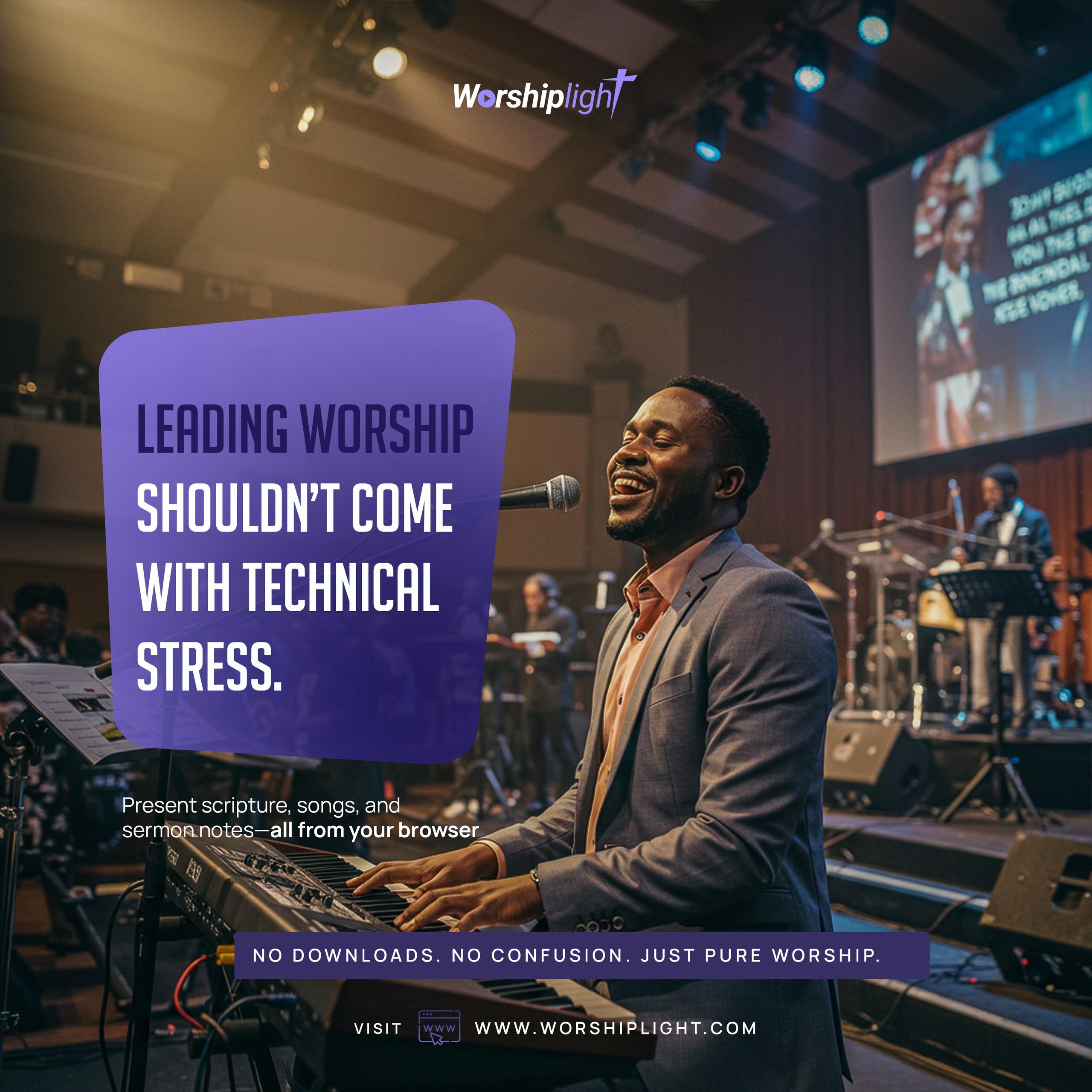
Leading worship shouldn't come with technical stress
Worship Light was built for the volunteer at the back of the church, so that putting a song, a verse or an announcement on screen is one click, not a worry.
From small home groups to full congregations, we help churches create meaningful worship without the technical hassle, so your team can focus on the message and the music.
Common questions
Is Worship Light really free?
Yes. Every feature on this page is free for churches: no trial, no card, no locked tiers.
Are my pictures, videos and PowerPoints uploaded?
No. Custom pictures, videos, PowerPoints and logos are read straight from your computer by the browser. They never leave your machine, so run the display on the same computer.
Which browser should I use?
Google Chrome or Microsoft Edge on the presentation computer. Some features (opening the display on the second screen, your own media folders and live translation) need them.
Does the voice search put things on screen by itself?
No. When it hears a song or a Bible reference it opens it for you, but nothing goes on the screen until you click. You're always in control.