Every feature, explained.
Here's everything Worship Light does, from the first song to the closing announcement. Try it free for 30 days, then go PRO for PDF, PowerPoint and multiple screens.
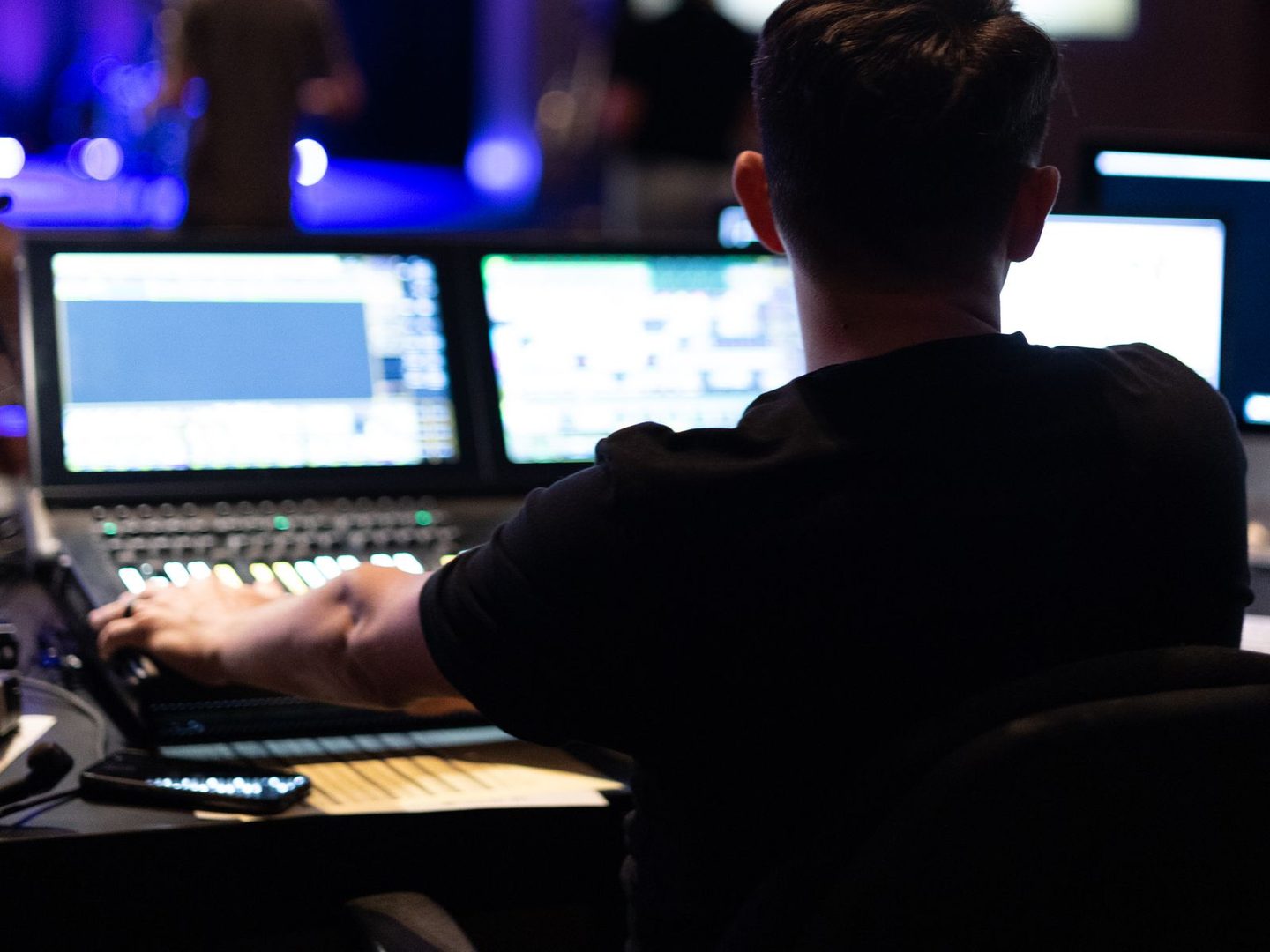
Lyrics on screen in a click
Search, open, click. Every verse is a slide, and the arrow keys or a clicker step through them.
Search by title or lyrics
Type any line you remember, or tap the mic and say it.
My library & public library
Your church's own songs plus a shared library everyone can use.
Add & edit songs
Paste lyrics, leave a blank line between verses, and watch the slide preview build itself.
Verse or line by line
Show a whole verse per slide, or one line at a time for new songs.
Find any verse by typing or by voice
Type Book · Chapter : Verse, or turn on the mic and let it listen. When a reference is spoken, it opens.
Always-listening mic
Keeps listening through the sermon and opens every reference it hears. Nothing shows until you click.
Four versions
KJV, NIV, NLT and NLV: switch translation with one click.
Smart book search
Book suggestions as you type, then chapter and verse, then press Enter.
Verse by verse
Click a verse, then use → and ← or a clicker for the next one.
What the congregation sees, always in view
The live preview mirrors the projector. One button puts the display on your second screen, full screen.
One-click second screen
Opens straight onto your projector or TV. Click again to close.
Full screen
Press F or double-click the display; Esc leaves full screen.
Clear & pause
Remove the words, or switch to your pause screen, in one tap.
On screen now
The current words in plain text, so you can check at a glance.
Your pictures, videos and PowerPoints, never uploaded
Choose a folder or file on your computer and use it straight away. It stays on your computer.
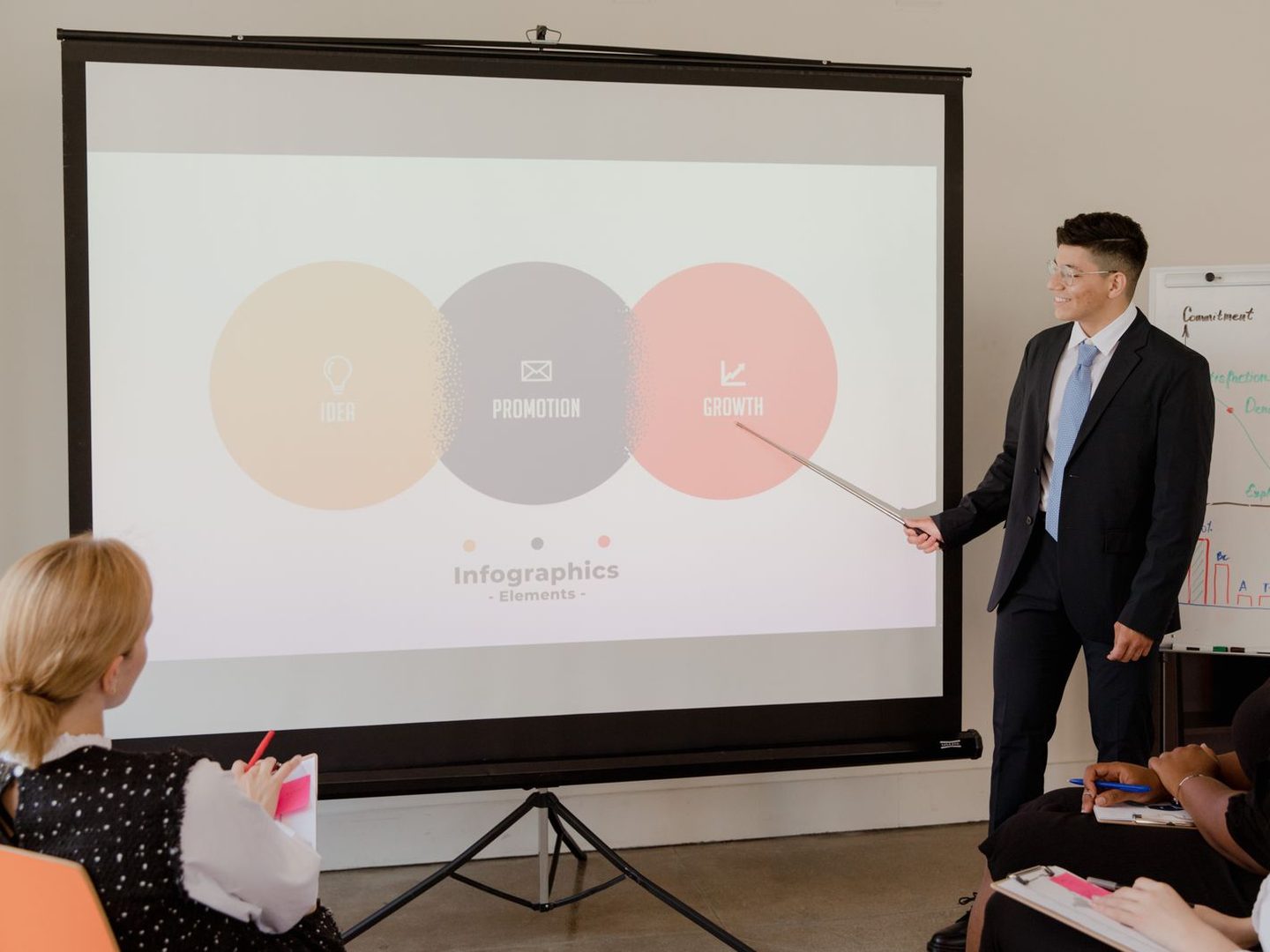
PowerPoint (.pptx)
Open the presentation you already made and click through its slides.
Custom images
Pick your pictures folder once. Every image is ready as a background.
Custom videos
MP4, WebM or MOV loops play silently behind your words.
Free backgrounds
A built-in gallery of backgrounds, ready to use.
Preach in one language, show another
Worship Light listens to the speaker and shows the translation on screen as each sentence ends.

18 languages
English, French, Spanish, Portuguese, German, Italian, Dutch, Arabic, Hindi and more.
Any direction
Pick “Speaking in” and “Show on screen in”, then swap with one click.
Show the original
Optionally show the spoken words underneath, smaller.
No paid service
Translation is built in. No separate translation service to pay for.
Keep time, share news, look like your church
Countdown timers, scrolling announcements, your logo and a full set of display settings.
Multiple timers
“Preaching 20 min”, “Offering 5 min”. Start any one; it shows on screen, draggable.
Announcements
Scrolling messages along the bottom of the screen, on and off in one tap.
Church logo
Your logo from your own computer, round or square, any size.
Display settings
Fonts, colours, shadows and animations with a live preview.
Hands on the clicker, eyes on the service.
The same keys move songs, Bible verses, PowerPoint slides and your pictures and videos, from any page, and even with the display window selected.